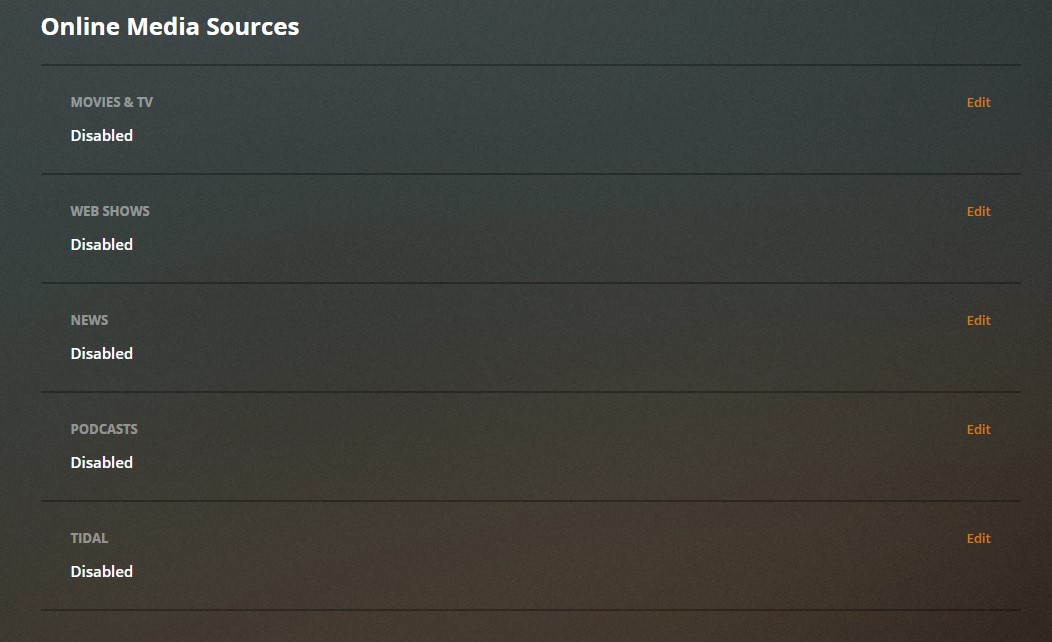
In addition to Web Shows, Tidal streaming music, Podcasts, and News, Plex as recently added a Movies & TV section to your dashboard. While it’s mostly harmless, the content in here is ad-driven which may not appeal to many of the users here.
I have chosen to remove all of these sections and I am enjoying a much cleaner dashboard as a result. Here is a short guide on how to remove these superfluous sections. This only works on the browser version and not on the app:
- On a browser, after logging in to Plex, select the Settings icon in the top right corner

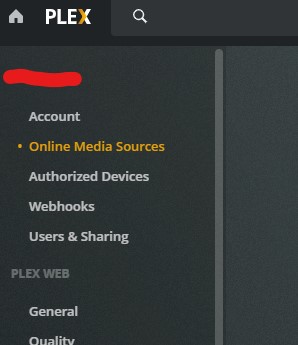
- In the top right menu, click on the Online Media Sources link.
- Click Edit to the right of each one of the line items, and select Disabled from the dropdown.
Enjoy a much cleaner dashboard and better search results!